
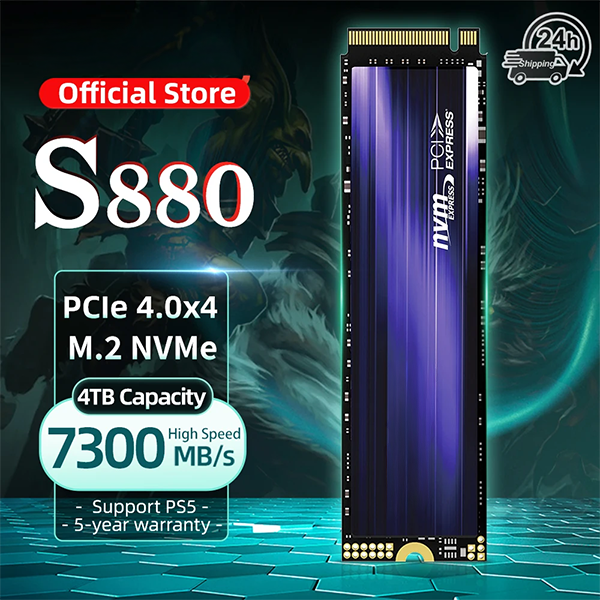
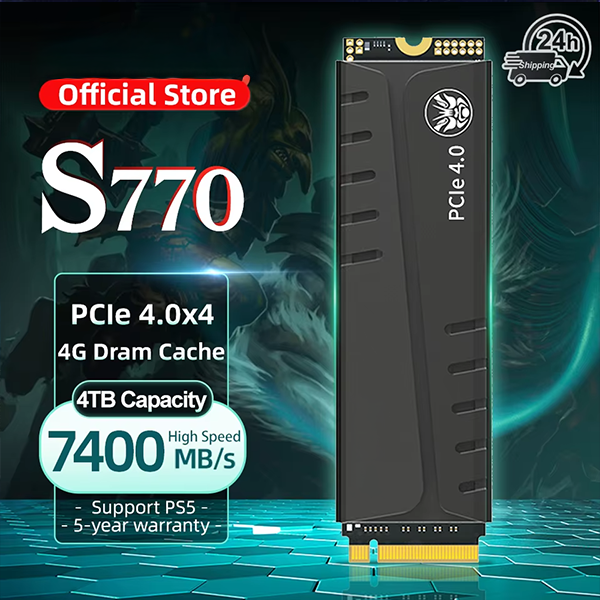
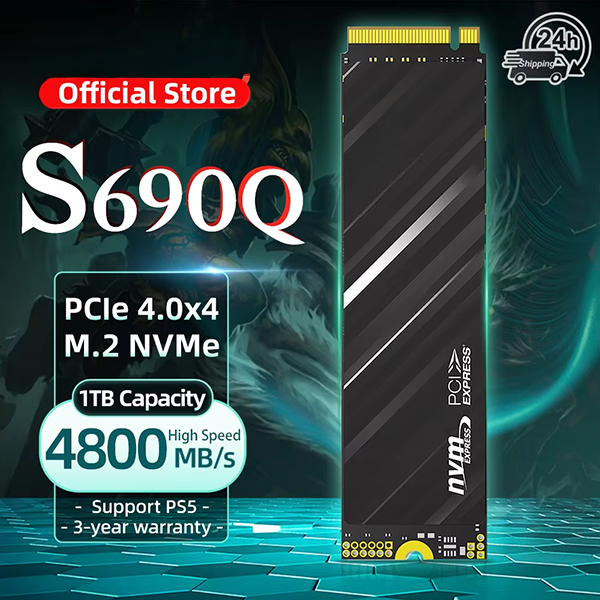
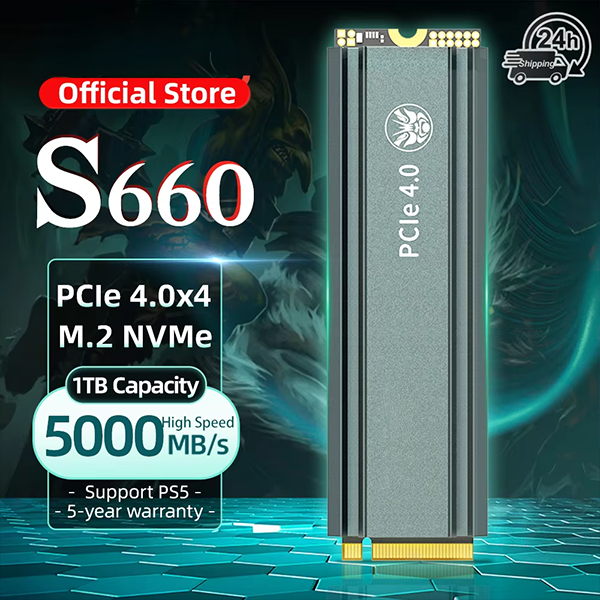
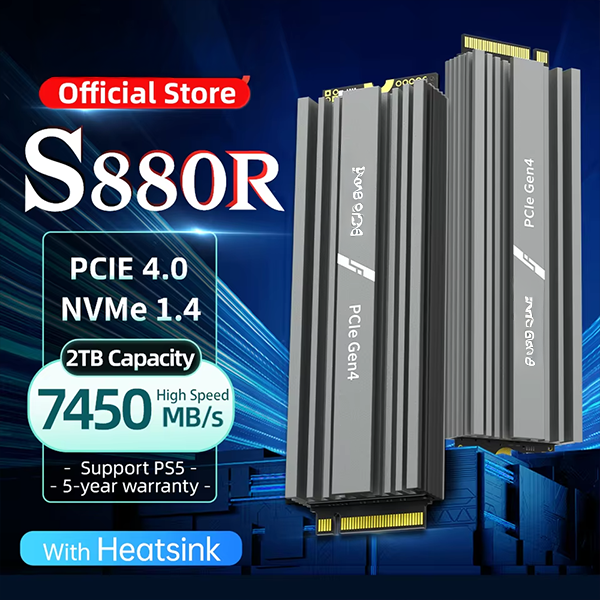
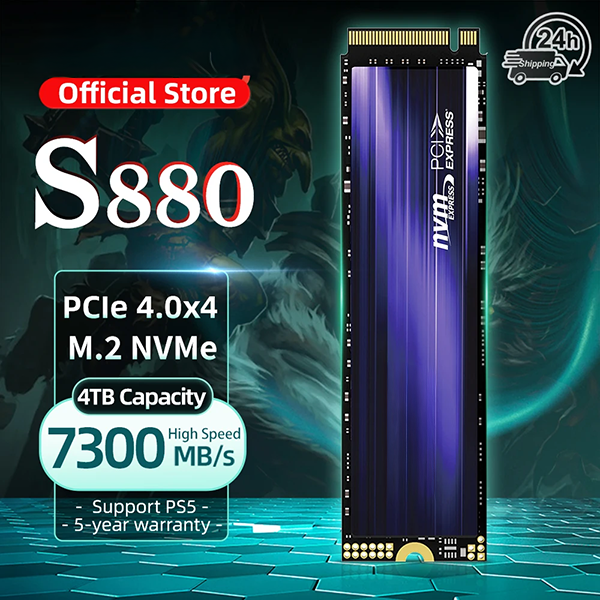
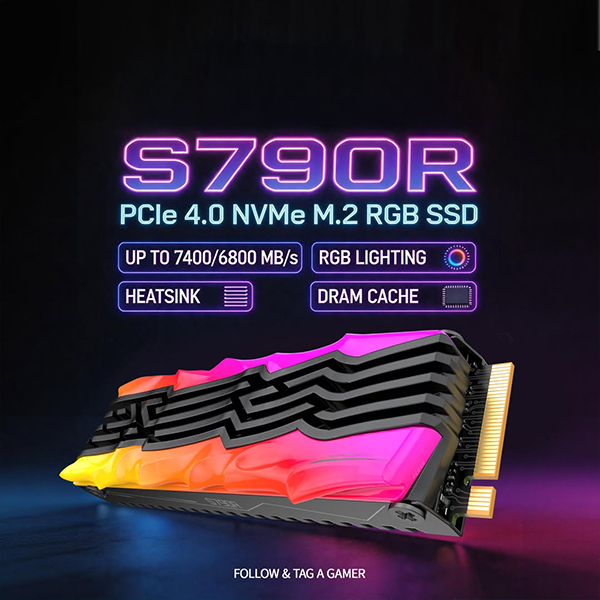
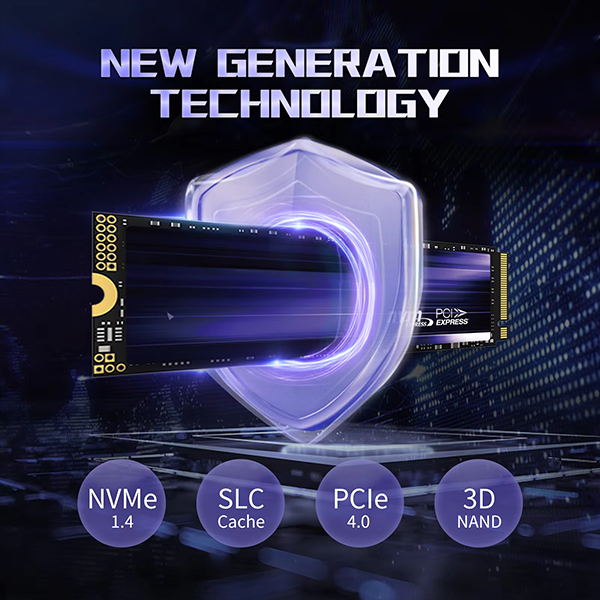


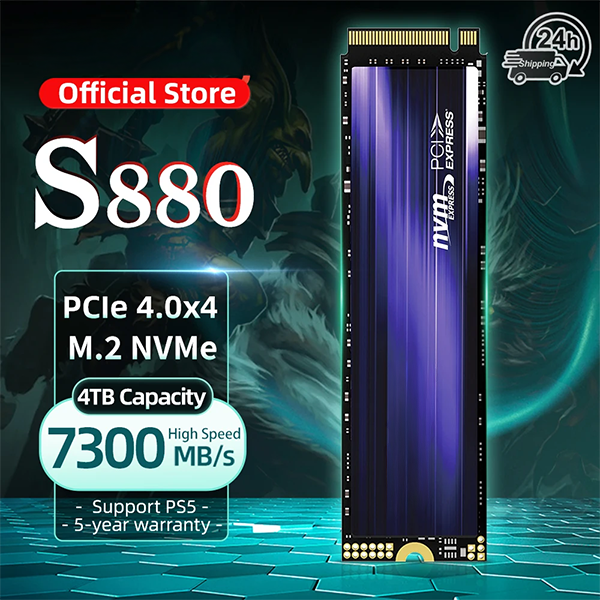
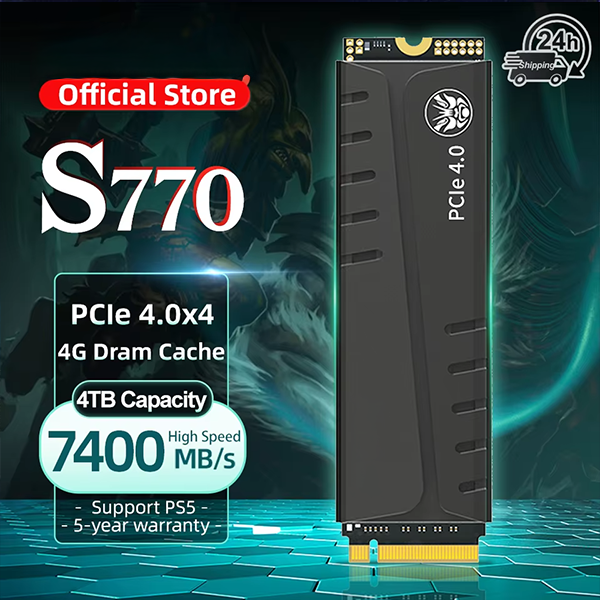
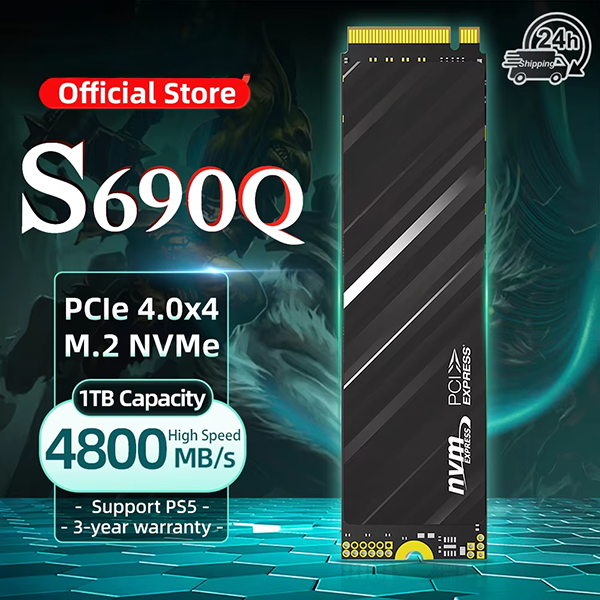
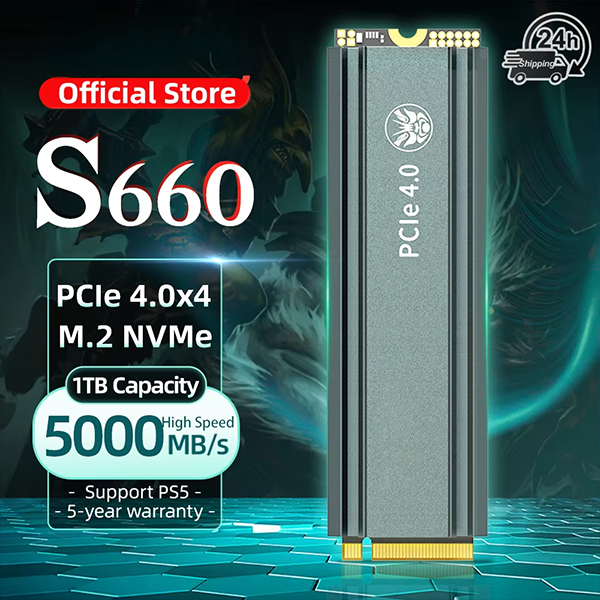
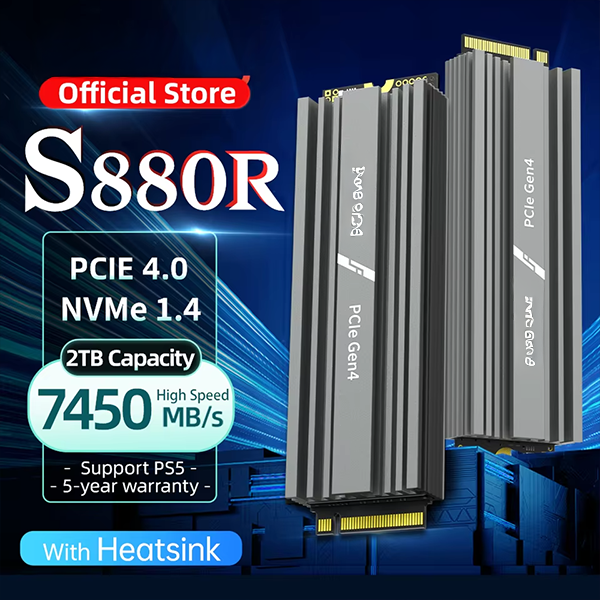
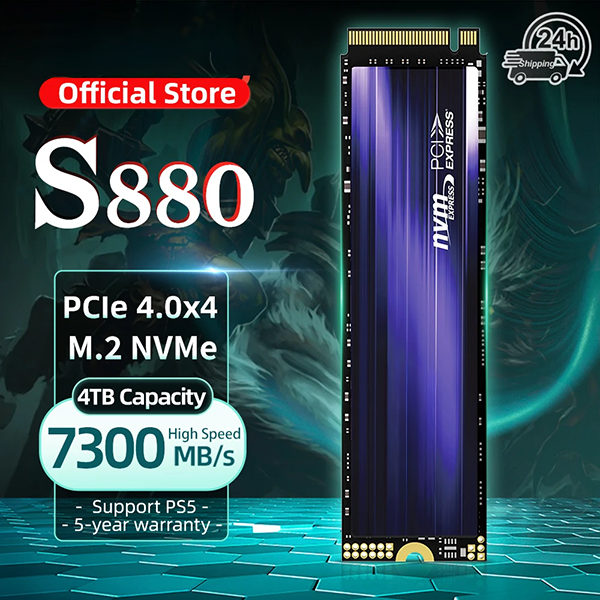
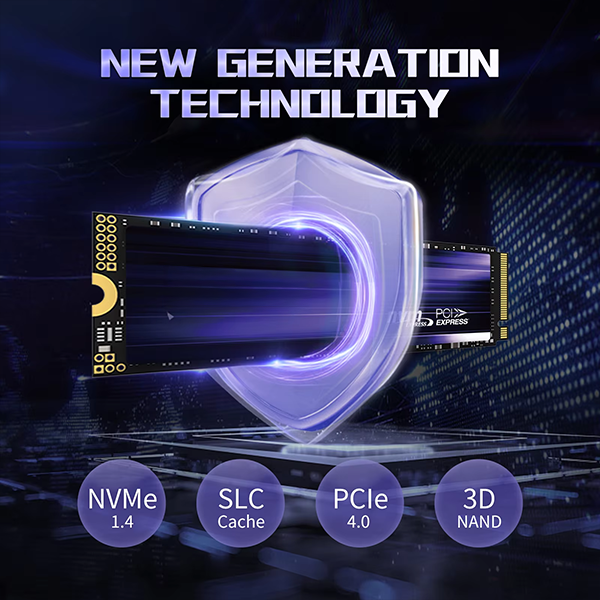




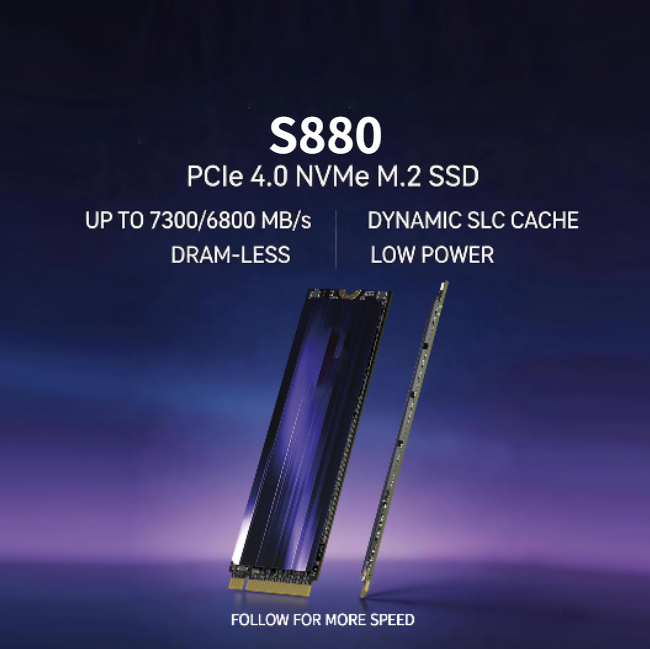
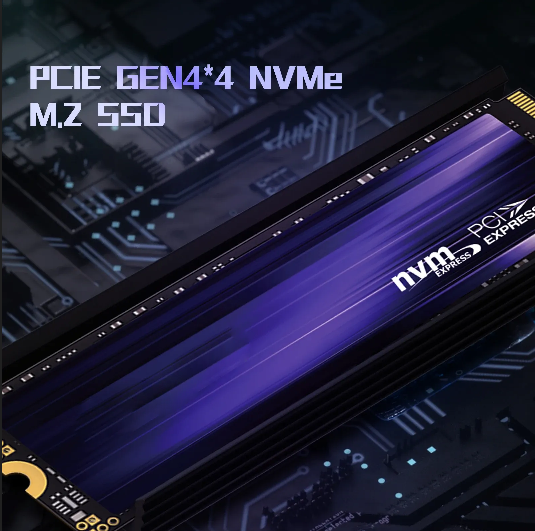
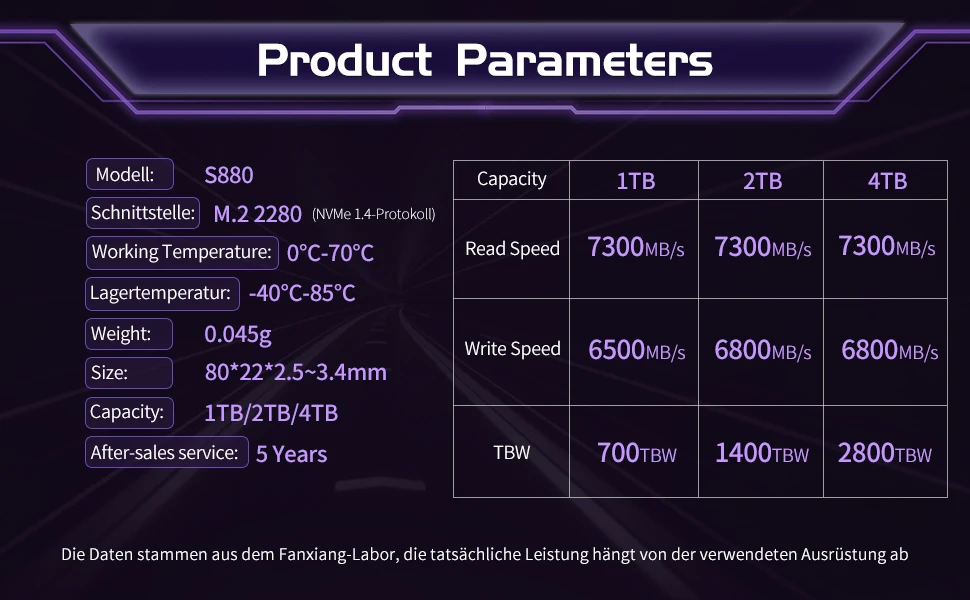
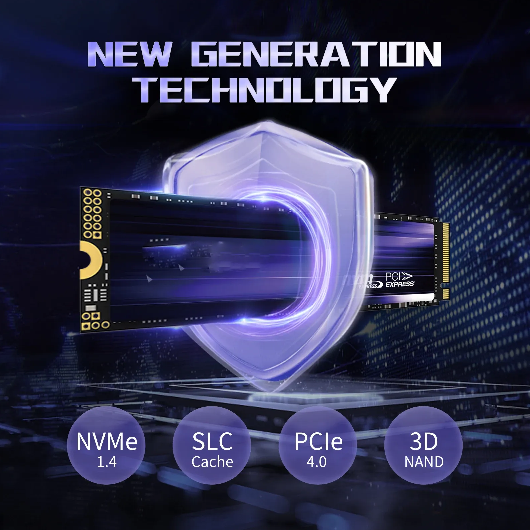

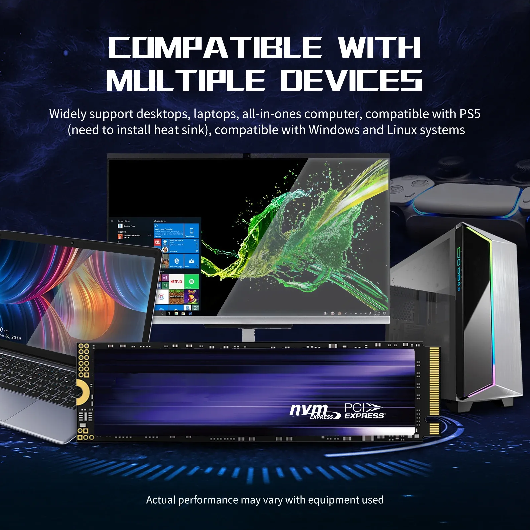
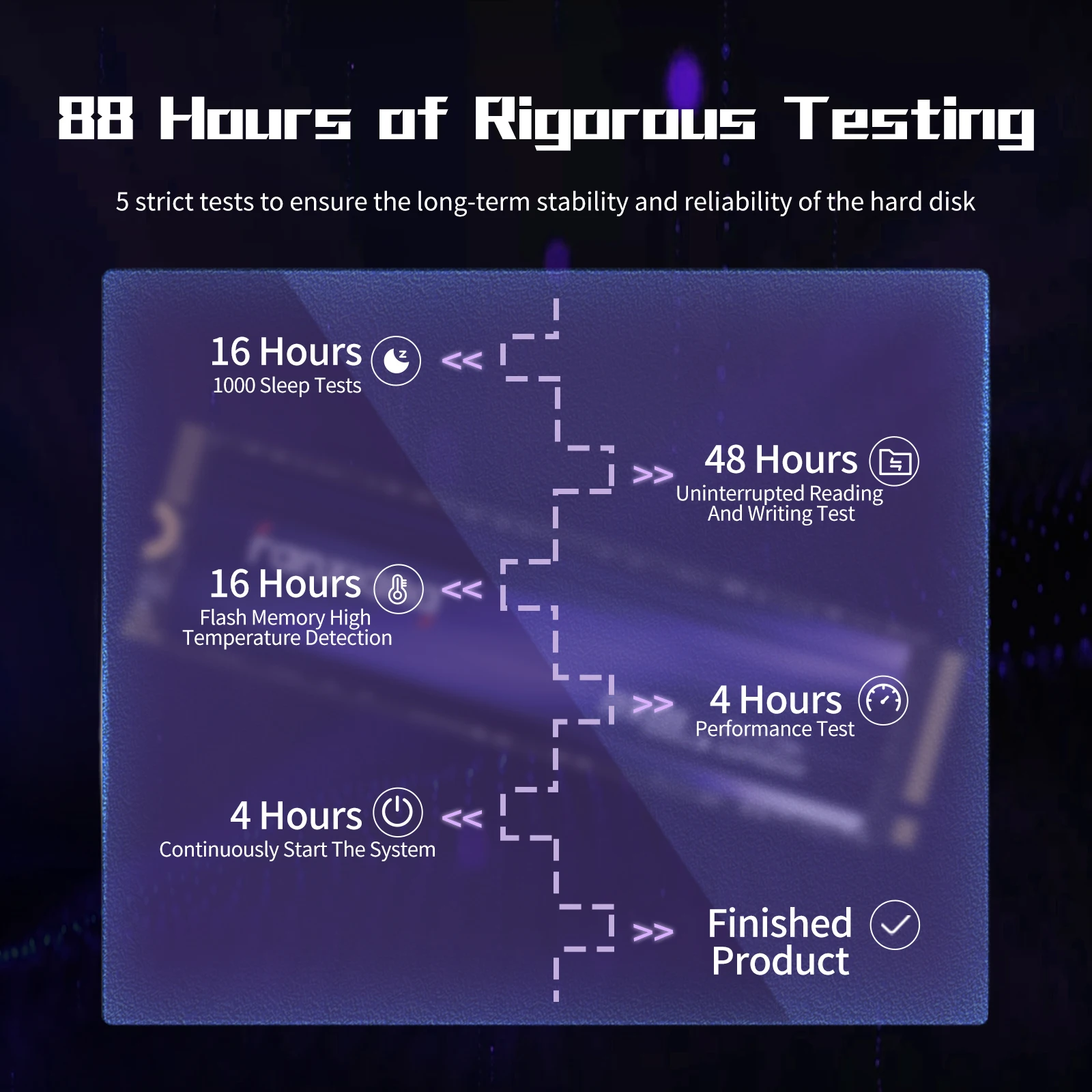
All models support PCIe Gen4 M.2 2280 interface.
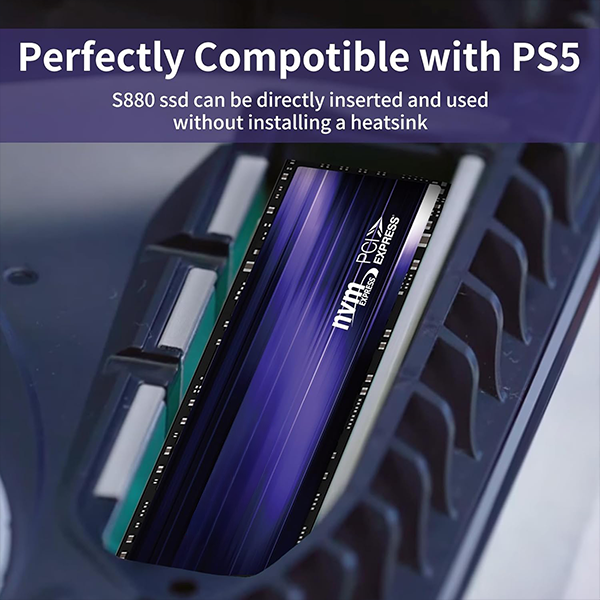
For PS5 use, heatsink + 5500MB/s+ read speed is recommended for optimal performance.
Q:Why can't the SSD be recognized after installation?
✅ When using an SSD for the first time, it needs to be formatted and partitioned first. You can use "Disk Management Tool" to format and partition the SSD, and then use it in "Windows Explorer".
Q:Why is the product capacity displayed on the computer not 1TB or 2TB?
✅ Because the manufacturer's calculation method is 1TB=1000MB=1000000KB=1000000000B, and the computer system's calculation method is 1TB=1024MB=1024*1024KB=1024*1024*1024B, so the capacity you see is 1TB=(1000*1000*1000)/(1024*1024*1024)TB≈0.93TB.
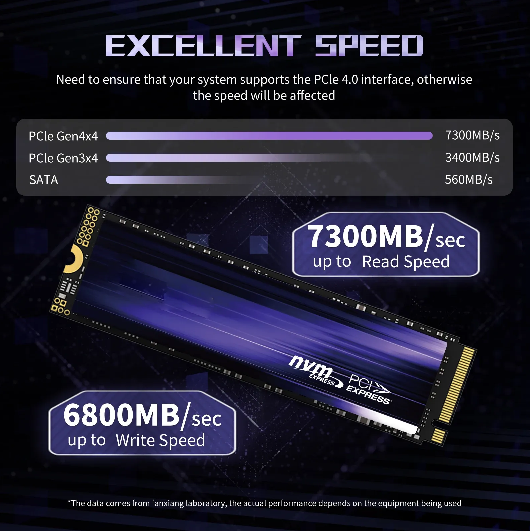
Q:Why does the test speed of Fanxiang S880 NVMe SSD fail to reach 7300MB/s?
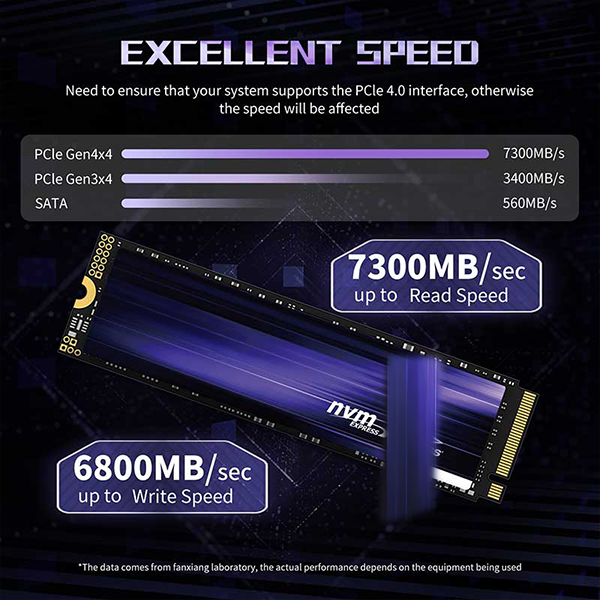
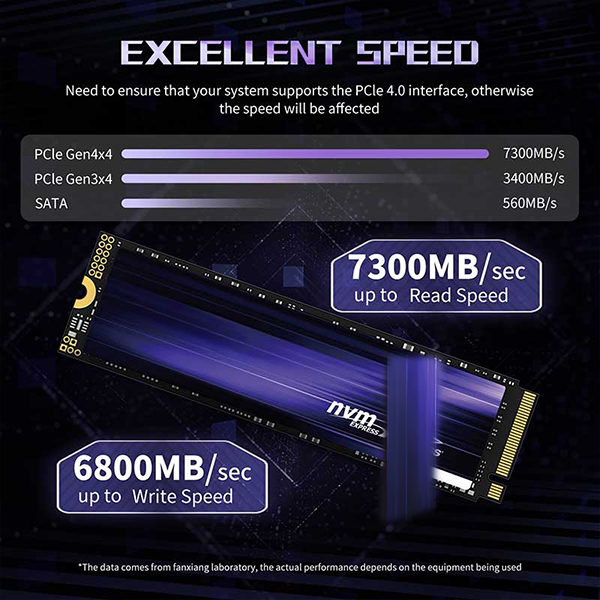
✅ The nominal speed is tested when connected to the PCIe Gen 4x4 interface. If connected to PCIe Gen 3x4 interface, the speed will be limited to about 3500MB/s. If tested in a ssd enclosure, the speed will be limited by the enclosure.
Q:Do I need to install additional heatsink?
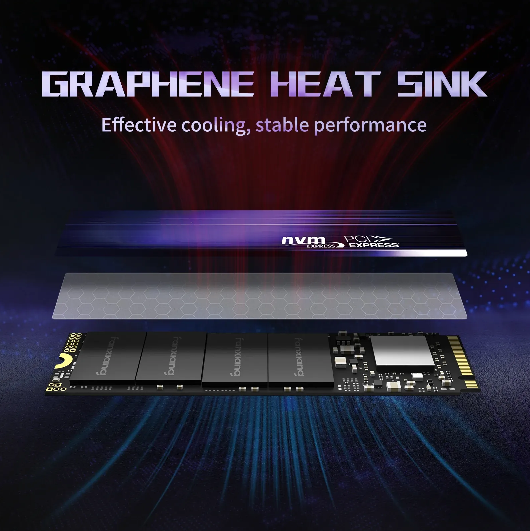
✅ The S880 m.2 ssd can be used without installing a heatsink. The product itself comes with a ultra-thin all-in-one heatsink. It will also be OK to buy an additional heatsink. Due to the single-sided chip, you can use it easily in laptop.
Q:Do I need to buy an additional heatsink?
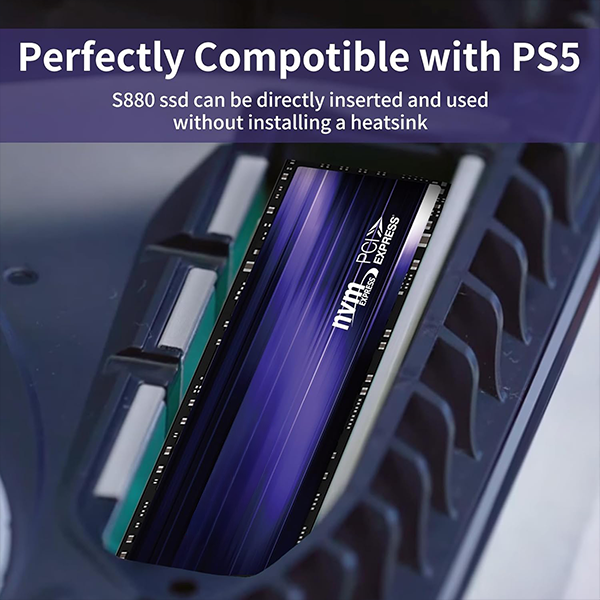
✅ The S880 can be used directly in the PS5, and there is no need to purchase a separate heatsink for installation. It can be directly installed in the PS5 game console, plug and play.
🔒 100% Risk-Free Purchase




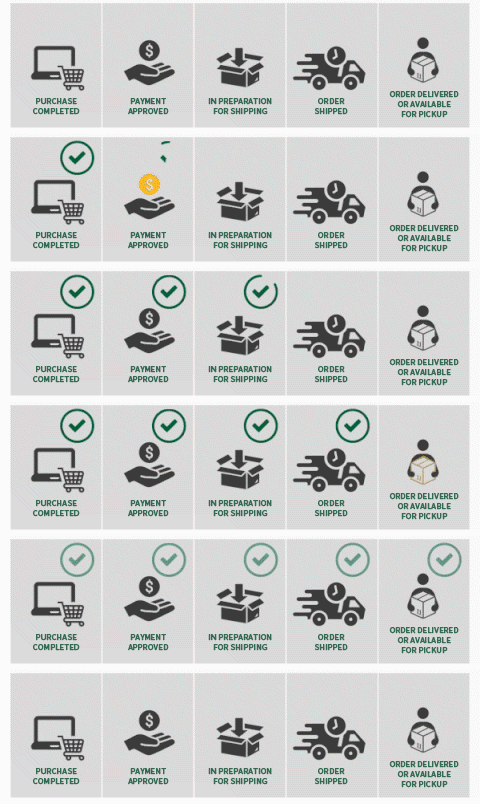
🌎 Worldwide Shipping: Every order comes with real-time tracking and insurance, so your package is protected in the rare case it gets lost or stolen.
💰 Money-Back Guarantee: Not satisfied with your purchase? No worries—we’ll make it right with a replacement or full refund. 100% simple and risk-free.
✉️ 24/7 Customer Support: Our friendly team is available around the clock, 7 days a week, to answer any questions within 24 hours.
🔒 Safe & Secure Checkout: Your personal and payment information is fully protected with advanced SSL encryption.
Ładowanie
